
iOS 27 Arrives September 14: How to Download It, New Siri AI Features and Supported iPhones
Apple’s next major iPhone software upgrade is here.
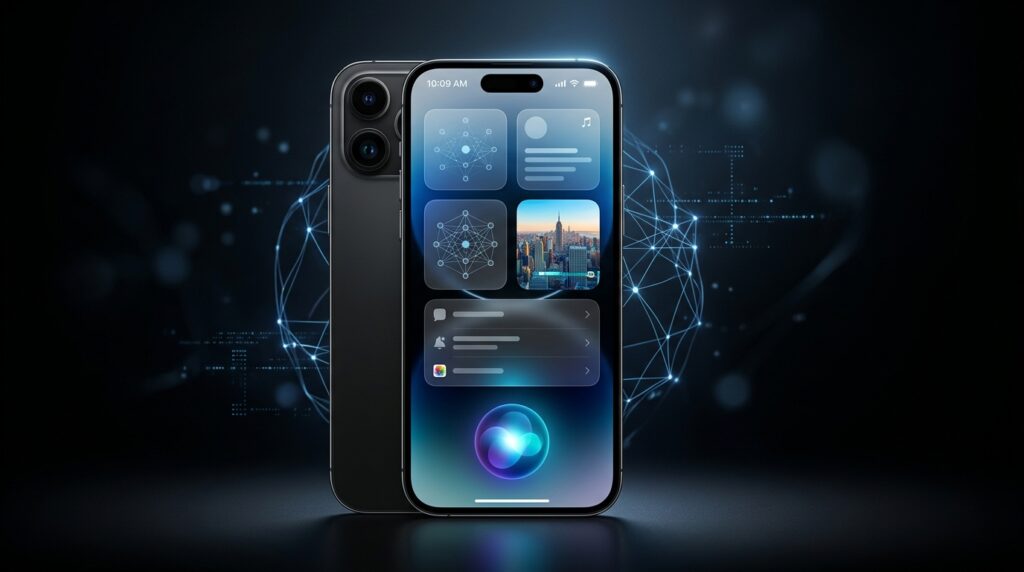
iOS 27 begins rolling out September 14, bringing one of the biggest changes to the iPhone in years: a dramatically upgraded Siri AI, new Apple Intelligence capabilities, smarter photo-editing tools, improvements to Liquid Glass, and updates across several core Apple apps.
For iPhone owners, there are really two questions: Can my iPhone run iOS 27? And will it get all of the new AI features?
Those are not quite the same thing.
When Can You Download iOS 27?
Apple officially says iOS 27 is available starting September 14.
Apple hasn’t specified an exact release time on its iOS page, although major iOS updates have traditionally appeared around 10 a.m. Pacific / 1 p.m. Eastern. So if the update doesn’t appear first thing in the morning, there’s no reason to panic.
Rollouts can also take a little time to appear across every eligible device.
How to Download iOS 27
Installing the update is straightforward.
On your iPhone:
- Open Settings.
- Tap General.
- Select Software Update.
- Wait while your iPhone checks for available updates.
- When iOS 27 appears, choose Download and Install.
Before updating, it’s a good idea to back up your important data, connect your phone to Wi-Fi and make sure you have enough free storage available.
Want Your iPhone to Update Automatically?
Go to:
Settings → General → Software Update → Automatic Updates
Turn automatic updates on and your iPhone can download and install eligible updates automatically when the required conditions are met.
Siri AI Is the Biggest iOS 27 Upgrade
The headline feature is unquestionably Siri AI.
Apple is turning Siri from a relatively basic voice assistant into something much closer to the conversational AI assistants people now expect.
Users will be able to type or speak naturally to Siri, continue conversations, search across personal information such as messages, emails and photos, ask broader questions and have Siri perform actions inside supported apps.
Apple has also introduced a dedicated Siri AI experience rather than treating Siri exclusively as a voice interface.
That could make iOS 27 one of the most important Siri updates since the assistant first arrived on the iPhone.
Google Gemini Is Helping Power Apple’s New AI
There’s another major story behind Siri’s upgrade.
Apple says its new generation of Apple Foundation Models was developed in collaboration with Google and its Gemini models. Apple’s architecture combines these models with processing on devices and its Private Cloud Compute infrastructure.
That means describing Siri AI simply as “Gemini running on the iPhone” would be misleading.
Apple is integrating Google’s technology into a broader Apple-controlled AI architecture while continuing to emphasize privacy and tighter integration with iOS.
Why this matters
For years, Apple has been criticized for falling behind Google, OpenAI and other companies in generative AI.
Instead of trying to build everything alone, Apple is now showing that it is willing to work with one of its biggest technology rivals when doing so can accelerate its AI ambitions.
That could prove to be more important than any individual Siri feature.
AI Photo Editing Gets Much More Powerful
Photos are another major focus in iOS 27.
Apple Intelligence introduces more sophisticated image-editing capabilities, including Spatial Reframing, which can adjust the composition of an existing image after it has already been taken.
Apple is also upgrading its Clean Up tools, making it easier to remove distracting or unwanted elements from photos.
Users will increasingly be able to describe what they want changed instead of manually navigating complex editing controls.
That brings the iPhone closer to the AI-powered editing experience Google and Samsung users have been getting accustomed to.
For photography, the bigger shift is clear: taking the picture is increasingly becoming only the first step. AI can now help reconstruct, reframe and improve what happens afterward.
Liquid Glass Continues to Evolve
Apple is also refining its Liquid Glass design language.
Rather than another complete visual redesign, iOS 27 focuses on improving and polishing the interface introduced across Apple’s ecosystem.
Expect more customization options along with smaller interface changes across apps and system menus.
For most users, these refinements may not sound as exciting as Siri AI, but they could have a bigger impact on the experience of using an iPhone every day.
Health, Photos, Maps and Other Apps Get Updates
iOS 27 isn’t only about Siri.
Apple is introducing improvements across apps including Health, Photos, Maps and other parts of the operating system.
One notable Health addition is expanded support for perimenopause and menopause, including Cycle Tracking features designed to identify certain changes in logged cycle patterns.
Apple Maps is also getting an enhanced Flyover experience using aerial imagery combined with Visual Intelligence models for more detailed representations of buildings and environments.
These smaller additions reinforce something Apple has been doing increasingly with AI: embedding it throughout the operating system instead of limiting it to a standalone chatbot.
Which iPhones Support iOS 27?
Apple says iOS 27 supports the following devices:
- iPhone SE — second generation and later
- iPhone 11
- iPhone 11 Pro
- iPhone 11 Pro Max
- iPhone 12
- iPhone 12 mini
- iPhone 12 Pro
- iPhone 12 Pro Max
- iPhone 13
- iPhone 13 mini
- iPhone 13 Pro
- iPhone 13 Pro Max
- iPhone 14
- iPhone 14 Plus
- iPhone 14 Pro
- iPhone 14 Pro Max
- iPhone 15
- iPhone 15 Plus
- iPhone 15 Pro
- iPhone 15 Pro Max
- iPhone 16
- iPhone 16e
- iPhone 16 Plus
- iPhone 16 Pro
- iPhone 16 Pro Max
- iPhone 17
- iPhone 17e
- iPhone Air
- iPhone 17 Pro
- iPhone 17 Pro Max
- iPhone 18 Pro
- iPhone 18 Pro Max
- iPhone Duo
That’s a surprisingly broad compatibility list.
But there is an important catch.
Your iPhone Might Support iOS 27 Without Supporting Siri AI
This is likely to cause some confusion.
Just because your iPhone can install iOS 27 does not mean it can run every Apple Intelligence or Siri AI feature.
Apple says its newest Apple Intelligence and Siri AI capabilities require:
- iPhone 15 Pro
- iPhone 15 Pro Max
- iPhone 16 models or newer
That means millions of people using devices such as the iPhone 11, 12, 13, 14 and regular iPhone 15 can still install iOS 27, but they should not expect the complete AI experience advertised for Apple’s newest phones.
This distinction is important when deciding whether iOS 27 gives you enough new functionality—or whether Apple is also giving you another reason to upgrade your hardware.
Aqyreon Take: iOS 27 Is Really About Apple’s AI Reset
The most interesting thing about iOS 27 isn’t the redesigned interface or another collection of incremental app upgrades.
It’s Apple’s AI strategy finally becoming visible inside the product millions of people use every day.
Siri has spent years looking increasingly outdated beside ChatGPT, Gemini and newer AI assistants.
iOS 27 is Apple’s attempt to change that narrative.
And Apple has taken an interesting route: combining its own foundation-model architecture and privacy infrastructure with technology developed alongside Google’s Gemini team.
If it works well, Apple doesn’t necessarily need to have the world’s most powerful standalone chatbot.
It needs an AI system that understands your iPhone, works naturally across apps and can complete everyday tasks without making users think about which AI model is running underneath.
That could be Apple’s biggest advantage.
What This Means for Businesses
Businesses should pay particular attention to Siri’s ability to understand natural-language requests and take actions across apps.
As smartphone operating systems become more agentic, people may increasingly interact with businesses through AI assistants instead of manually searching websites and navigating apps.
That could eventually affect:
SEO: Businesses may need to optimize information not only for search engines but also for AI assistants trying to answer customer questions.
Apps: Companies with iPhone apps could gain an advantage if customers can perform common actions conversationally through Siri.
Customer service: AI assistants may increasingly handle routine questions, scheduling and information retrieval before a customer ever reaches a company’s website.
Content: Clear, structured and authoritative information becomes more valuable when AI systems are deciding which information to surface.
The companies preparing for this change now could have an advantage as personal AI assistants become a bigger part of everyday computing.
Should You Install iOS 27 Immediately?
For most users with compatible devices, iOS 27 will be worth installing.
However, if your iPhone is essential for work, banking, authentication or other critical tasks, waiting a short period for early compatibility reports can be reasonable.
Major operating-system releases can occasionally reveal bugs or app compatibility problems that weren’t obvious during beta testing.
For everyone else, iOS 27 represents one of Apple’s most consequential iPhone updates in years—not necessarily because of how the interface looks, but because of how dramatically Apple is changing what the iPhone’s assistant can do.
Bottom Line
iOS 27 begins rolling out September 14, and Apple is using the update to push the iPhone much deeper into the generative-AI era.
The broad device support means even older iPhones can benefit from the operating-system update.
But the biggest features—particularly Siri AI and the newest Apple Intelligence tools—remain tied to Apple’s newer hardware.
And that may ultimately be the real story of iOS 27:
Apple isn’t simply updating the iPhone. It’s starting to rebuild the iPhone around AI.