Hackers Are Hiding Phishing Messages With Invisible Unicode Characters — Here’s How the Trick Works
Phishing emails are getting harder to spot, and attackers have found a clever new way to slip malicious messages past email security systems: hiding invisible characters inside ordinary-looking words.
Microsoft says cybercriminals are using a technique known as ASCII smuggling to disguise phishing and spam messages so they can bypass traditional email filters.
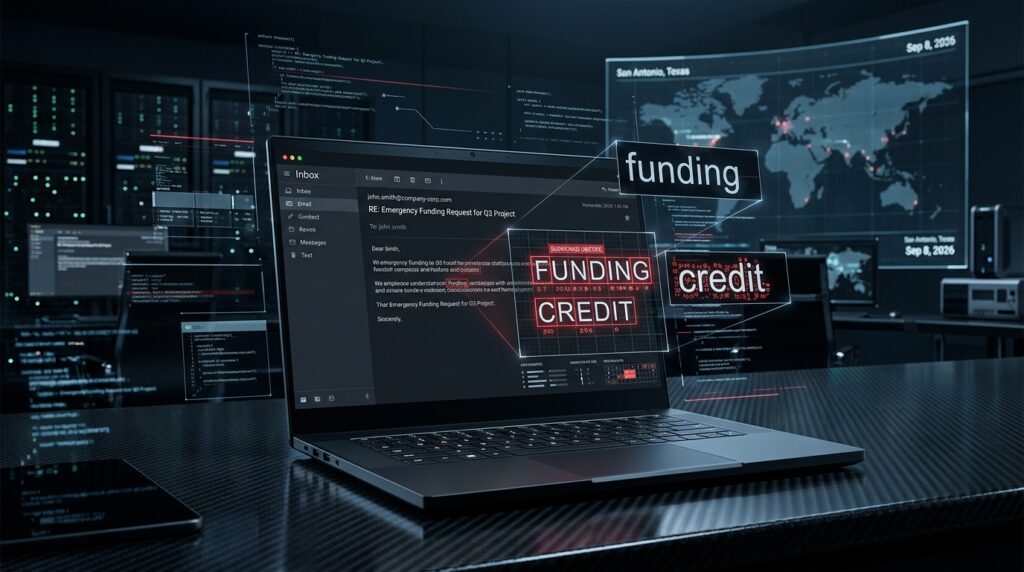
To the person reading the email, a word such as “funding,” “loan,” or “credit” may look completely normal.
But behind the scenes, hidden Unicode characters can be inserted between the visible letters.
Instead of a security system seeing:
funding
it may actually process something closer to:
fun[invisible characters]ding
That small difference can be enough to confuse security software that relies heavily on keyword matching.
And the bigger concern is that the same technique can potentially interfere with AI assistants that analyze or summarize emails.
What Is ASCII Smuggling?
ASCII and Unicode are standards computers use to represent text.
Most characters are visible: letters, numbers and punctuation.
But Unicode also contains characters that may not appear visually on the screen.
Attackers can insert some of these invisible characters inside otherwise normal-looking text.
The recipient still sees a familiar sentence.
The computer, however, may see something very different.
That gives attackers an opportunity to hide suspicious words from spam filters and other automated security tools.
How Hackers Are Using It in Phishing Emails
Email security platforms often analyze messages for known spam and phishing indicators.
Words connected to financing, loans, payments, investment opportunities or urgent account activity can contribute to a message being flagged.
Attackers are now breaking those words apart with invisible Unicode characters.
The message still looks natural to the victim, but automated systems may no longer recognize the dangerous keyword correctly.
For example, an attacker might send an email that appears to say:
“Your business has been approved for funding.”
A human sees the word “funding.”
The security filter may see additional hidden characters inserted between the letters.
If the filter does not normalize the text before scanning it, the message may have a better chance of reaching the inbox.
Microsoft Says the Campaign Reached Millions of Emails Per Day
According to Microsoft researchers, campaigns using this technique have been active for months.
Microsoft observed activity peaking in February 2026 at more than 2.3 million emails per day.
Researchers also identified a group of almost 150 sender domains, many of them themed around financial services.
Microsoft said those domains accounted for the overwhelming majority of spam messages that Defender for Office 365 detected using ASCII-smuggling techniques during that period.
Although the volume has reportedly declined since the February peak, the technique remains relevant because it demonstrates how quickly attackers can adapt when security tools learn their previous tricks.
The AI Assistant Problem Makes This More Serious
The threat is not limited to traditional spam filters.
Invisible characters have also appeared in discussions around AI prompt injection.
This creates another potential attack surface.
Imagine receiving an email and asking an AI assistant:
“Summarize this message for me.”
The visible portion of the email might contain a harmless-looking business request.
But hidden text inside the message could potentially contain instructions designed specifically for an AI system.
Depending on the permissions and safeguards surrounding the AI assistant, attackers could attempt to manipulate how the system processes the message.
That could include trying to persuade an AI agent to reveal information, ignore instructions or interact with malicious content.
This is one reason businesses deploying AI agents inside email, productivity and customer-service systems need to treat incoming content as untrusted data.
Why Traditional Spam Filters Can Struggle
Older email filtering approaches often depend heavily on pattern matching.
A filter might look for phrases commonly associated with spam, such as:
- easy loan
- instant funding
- guaranteed credit
- urgent payment
- investment opportunity
But if invisible characters are inserted into those phrases, simple matching rules may fail.
The attacker has effectively changed the underlying computer-readable text without significantly changing what the victim sees.
Modern security products increasingly use machine learning, reputation systems, behavioral analysis and link scanning instead of depending entirely on keywords.
Still, invisible-character techniques show why attackers continue experimenting with the gap between what humans see and what computers process.
What Businesses Should Do
Organizations should not rely on keyword-based email filtering alone.
Security teams should consider normalizing incoming text before scanning it.
Unicode normalization can help remove or standardize unexpected characters so that:
fun[invisible characters]ding
is analyzed the same way as:
funding
Security teams should also consider treating unusual Unicode tag characters and unexpected invisible code points as suspicious.
Businesses using AI assistants should be especially cautious.
AI systems that read email, documents or webpages should not automatically trust instructions contained inside those materials.
External content should generally be treated as data, not as authoritative instructions for an AI agent.
What Employees Should Watch For
The uncomfortable part about this attack is that victims may not notice anything unusual.
The email can look completely normal.
That means basic phishing awareness still matters.
Be suspicious of emails that:
- create unnecessary urgency
- promise unexpected financing or investment opportunities
- request login credentials
- ask you to open unfamiliar attachments
- direct you to unexpected payment pages
- request sensitive company information
- contain links that do not match the organization supposedly sending the message
If an email concerns banking, payroll, invoices or account security, verify the request through a separate trusted communication channel.
Do not rely solely on how professional the email looks.
What This Means for Businesses Using AI
The larger lesson goes beyond email spam.
AI assistants are increasingly being connected to:
- company inboxes
- CRM platforms
- internal documents
- cloud storage
- customer-service systems
- financial workflows
That gives AI tools access to more useful information, but it also gives attackers more opportunities to influence them through malicious external content.
Organizations need security controls that assume an email, webpage or document may contain instructions designed specifically to manipulate an AI system.
The AI should be able to read the content without automatically obeying it.
That distinction is becoming increasingly important as companies move from simple AI chatbots to autonomous AI agents capable of taking actions.
Aqyreon Take
Phishing is entering a new phase.
Attackers are no longer trying only to fool people.
They are also learning how to fool the automated systems protecting those people.
Invisible Unicode characters are a good example of that shift.
The email can look perfectly normal to you while appearing completely different to a spam filter or AI model.
For businesses, the lesson is straightforward: security tools need to evaluate what is actually encoded inside a message, not just what appears visually on the screen.
And as AI assistants gain access to email and business systems, protecting them against hidden instructions and prompt-injection attacks will become just as important as protecting employees from traditional phishing.
Bottom Line
Cybercriminals are using invisible Unicode characters to disguise phishing messages and evade some automated detection systems.
The attack works because humans and computers may interpret the same message differently.
Microsoft recommends normalizing Unicode characters before performing keyword detection and treating unexpected invisible characters as potentially suspicious.
For businesses adopting AI agents, there is an additional warning: never assume that text coming from an email, website or external document is safe simply because a human cannot see anything unusual.
The next phishing attack may be hiding in plain sight.